What “Airplane Mode” Really Does (and Why It Still Matters on the Ground)
Airplane mode isn’t just for flights. Learn what it actually turns off, what stays on, and when it can save battery, stop interruptions, or fix weird connection bugs.
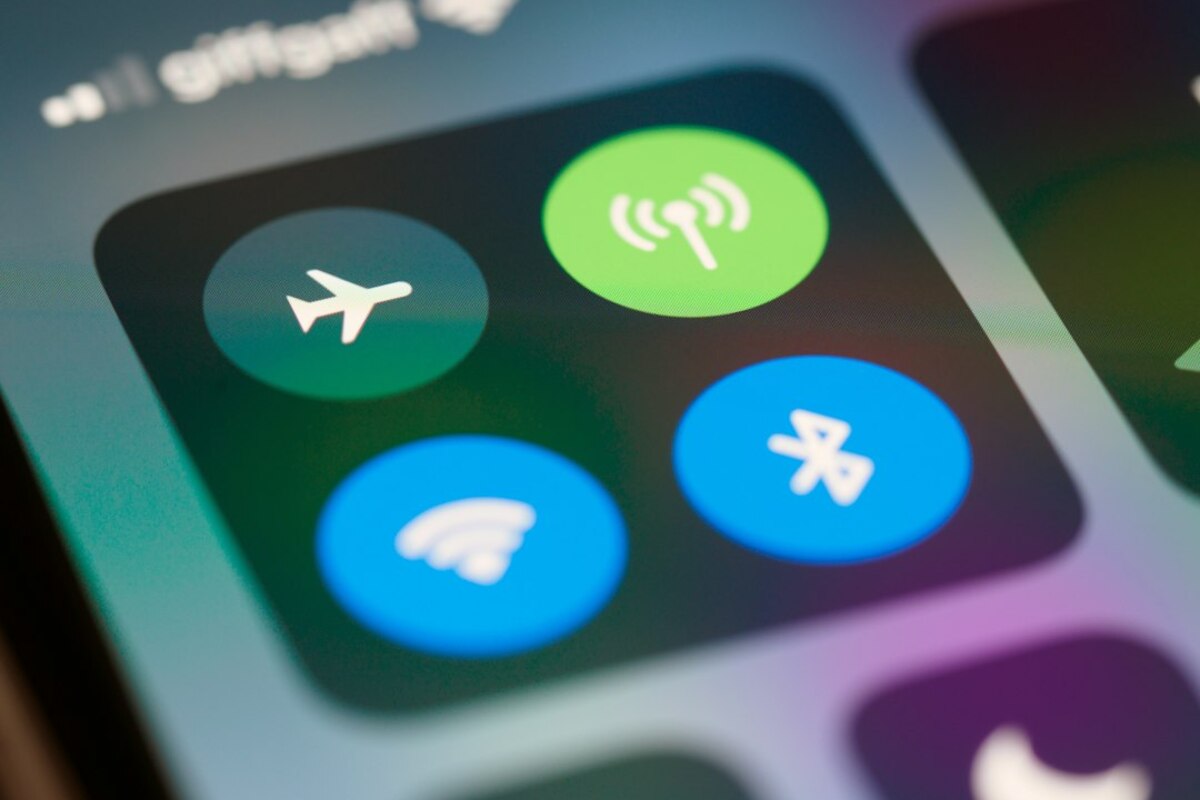
- Airplane mode mainly shuts down your phone’s radios (cellular, Wi‑Fi, Bluetooth, GPS behavior varies) to prevent transmitting
- You can often re-enable Wi‑Fi and Bluetooth while staying in airplane mode—useful for headphones, smartwatches, and in‑flight Wi‑Fi
- It’s a practical troubleshooting and battery tool: it can reset flaky connections and reduce background network drain
Airplane mode: a simple button with a lot going on
Most of us tap airplane mode for one of two reasons: because a flight attendant said so, or because we’re trying to stretch our battery when the day is getting long. But the name can be misleading. It doesn’t “make your phone safe for planes” in a magical way, and it doesn’t fully power your phone down either.
Think of your phone like a small office with several different “phone lines” and “walkie-talkies” running at once:
- Cellular radio (your connection to a mobile network for calls, texts, and mobile data)
- Wi‑Fi (your connection to local internet routers)
- Bluetooth (short-range connections to earbuds, cars, keyboards, watches)
- NFC (tap-to-pay and tap-to-pair; behavior varies by device)
- GPS / location services (mostly receiving signals, but often tied to network features)
Airplane mode is basically the “stop transmitting” switch. It tells your phone to turn off (or severely limit) the radios that send signals out. That’s why it’s useful on planes—aircraft rules are about reducing potential interference and keeping the cabin environment predictable.
But here’s the everyday-life twist: those same radios are also responsible for a lot of background activity, like searching for towers, switching networks, or trying to reconnect in poor coverage. So airplane mode can also act like a reset button—and a battery saver—when you’re not flying at all.

What airplane mode turns off (and what it might leave on)
If you’ve ever turned on airplane mode and then noticed you could still use Wi‑Fi, you’re not imagining it. Modern phones treat airplane mode as a “baseline radio-off state” that you can selectively override.
In plain terms: airplane mode usually turns off cellular first, and then often turns off Wi‑Fi and Bluetooth too—but many phones let you toggle Wi‑Fi and Bluetooth back on while leaving cellular off.
| Phone feature | Typical behavior in airplane mode | What that means in real life |
|---|---|---|
| Cellular (calls/SMS/mobile data) | Off | No regular calls, no carrier texts, no mobile data. Your phone stops talking to cell towers. |
| Wi‑Fi | Off by default, can often be turned back on | You can use home/office Wi‑Fi or in‑flight Wi‑Fi without turning cellular back on. |
| Bluetooth | Off by default, can often be turned back on | Your wireless earbuds, car audio, keyboard, and smartwatch can still work. |
| NFC (tap-to-pay) | Varies by device and settings | Some phones still allow payments; others disable NFC to reduce all radio activity. |
| GPS / location | Often still available, but can be less accurate | GPS mainly listens rather than transmits, but apps may struggle without Wi‑Fi/cellular assistance. |
A quick scenario: You’re on a train commuting through an area with spotty signal. Your phone keeps hunting for a better tower—one bar, no service, one bar again. That hunting uses power. Turning on airplane mode stops the hunt. If you also turn Wi‑Fi back on and connect to the train’s Wi‑Fi (or your own hotspot from another device), you get internet without your phone constantly negotiating with cell towers.
Another common confusion: “Why do I still see the time, apps, and camera working?” Because airplane mode doesn’t shut down the phone. It just quiets the parts that shout into the air.
Not regular cellular calls, because the cellular radio is off. But if you turn on Wi‑Fi while staying in airplane mode, you may be able to use Wi‑Fi calling (if your phone and carrier support it) or make calls through apps like WhatsApp, FaceTime Audio, or Teams.
Not regular cellular calls, because the cellular radio is off. But if you turn on Wi‑Fi while staying in airplane mode, you may be able to use Wi‑Fi calling (if your phone and carrier support it) or make calls through apps like WhatsApp, FaceTime Audio, or Teams.
Carrier SMS/MMS won’t arrive until cellular is back on. Messages that travel over the internet (like iMessage, Signal, Telegram, Slack) can arrive if Wi‑Fi is enabled.
Carrier SMS/MMS won’t arrive until cellular is back on. Messages that travel over the internet (like iMessage, Signal, Telegram, Slack) can arrive if Wi‑Fi is enabled.
It reduces network-based tracking because your phone isn’t connected to cellular, and Wi‑Fi/Bluetooth may be off. But it doesn’t automatically disable location services, offline logging, or sensors. If you want to limit location sharing, you’ll still need to check your location settings and app permissions.
It reduces network-based tracking because your phone isn’t connected to cellular, and Wi‑Fi/Bluetooth may be off. But it doesn’t automatically disable location services, offline logging, or sensors. If you want to limit location sharing, you’ll still need to check your location settings and app permissions.
Why airplane mode can save battery (especially in bad signal areas)
Battery drain isn’t only about screen brightness and streaming video. Your phone’s radios can be surprisingly power-hungry, particularly when they’re working hard to maintain a connection.
Imagine you’re trying to have a conversation across a noisy room. You’ll raise your voice, repeat yourself, and keep checking whether the other person heard you. That’s similar to what a phone does when coverage is weak: it increases transmit power, retries connections, and keeps scanning.
Airplane mode reduces that effort by telling the phone: “Stop looking for towers. Stop negotiating. Stop sending pings.” The battery savings are often most noticeable in these everyday situations:
- Rural drives or hiking trips: your phone keeps bouncing between towers or clinging to a weak signal.
- Basements and elevators: the signal drops, and the phone repeatedly tries to reconnect.
- Crowded events: the network is congested, so the phone retries transmissions more often.
- International travel (before you get a plan): the phone searches for roaming networks and carrier partners.
Small but real-life example: You’re at a wedding, your phone is in your pocket, and there’s barely any service. You’re not using it much, yet your battery still slides downward. Switching to airplane mode during the ceremony can keep your battery from draining while you’re not actively using connectivity.
Airplane mode can also prevent “stealth drains” from apps that constantly refresh in the background. If your phone can’t reach the internet at all, many apps pause their attempts rather than repeatedly trying (and failing) to sync.
A surprisingly handy troubleshooting tool: “the radio reset”
If you’ve ever had one of these annoying moments, you’ve seen why airplane mode still matters on the ground:
- Your phone says it has signal, but web pages won’t load.
- Wi‑Fi shows connected, but nothing works until you toggle something.
- Bluetooth earbuds connect, but the sound keeps coming out of the phone speaker.
- Your GPS location is stuck or wildly inaccurate.
What’s happening is often not a “big break,” but a small handshake problem—like two people who keep trying to start a call at the exact same time and talking over each other. Phones juggle multiple connections and rules: switching towers, picking between Wi‑Fi and mobile data, negotiating Bluetooth profiles, and managing background permissions. Sometimes a connection gets into a weird state.
Turning airplane mode on for 10–20 seconds, then off, forces a clean reconnection sequence. It’s like telling all the radios: “Stop. Start over. Re-register properly.” This can fix issues faster than restarting the whole phone, and it’s usually the first step help desks recommend for a reason.
Quick “when to try airplane mode” checklist:
- Mobile data feels frozen even though you have bars
- Hotspot won’t connect and you want to reset mobile networking quickly
- After landing when your phone clings to a roaming network or stays in a weird “no service” state
- Bluetooth is acting haunted (connected but not working right)
One more scenario: You leave an underground parking garage. Your phone shows “5G,” but it won’t load anything for a minute. A quick airplane mode toggle often forces it to properly reconnect to the network above ground, instead of waiting for the phone to time out and correct itself.
And if you’re on a flight with in‑flight Wi‑Fi, airplane mode is the normal starting point: turn it on, then manually enable Wi‑Fi, connect to the plane’s network, and you’re online without cellular transmissions. The same pattern works in everyday places too—airplane mode plus Wi‑Fi can be a calm, controlled way to stay connected on your terms.