Why Your Phone Battery Jumps from 20% to 1% (and What “Battery Health” Really Means)
Ever watched your phone drop from 20% to dead in minutes? Here’s what battery health measures, why percentages lie, and how to slow the slide.
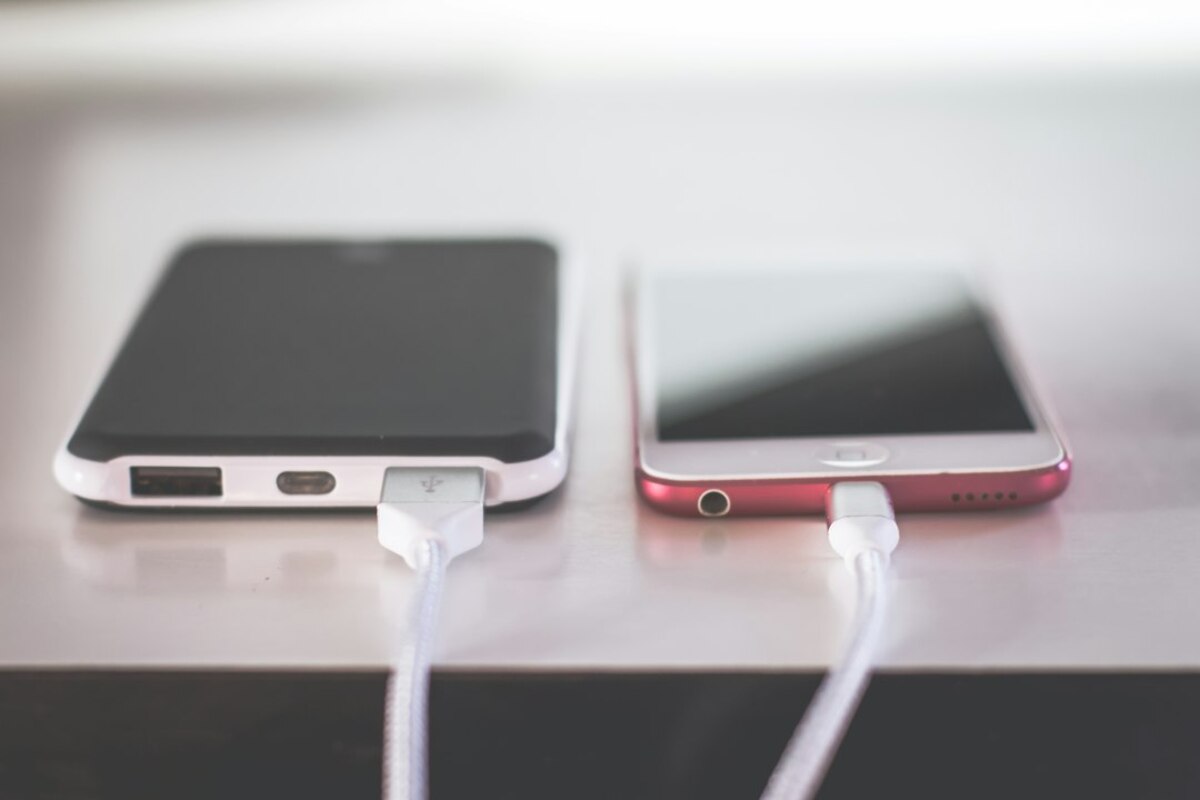
- Battery percentage is an estimate, not a fuel gauge—cold, age, and heavy apps can make it look “wrong.”
- “Battery health” is mainly about capacity loss and power delivery—an older battery can hit 1% early or shut off suddenly.
- A few habits (avoiding heat, gentler charging, smarter settings) can noticeably reduce wear without obsessing.
The battery percentage is a guess—sometimes a bad one
You plug your phone in at 22%, answer a few messages, open your camera, and suddenly it’s at 9%. Or you’re at 18% and it dies like it hit a wall. It feels like your phone is lying, but what’s really happening is that the number you see is an estimate built from a mix of measurements and assumptions.
A phone can’t directly “see” how much energy is left the way you can see water in a glass. What it can measure reliably is voltage (how much electrical push the battery has at that moment) and, depending on the device, current (how fast energy is flowing in or out). From that, the system guesses the remaining charge using a model of how that particular battery usually behaves.
That model gets less accurate when life is messy—because batteries don’t behave the same in every situation. A helpful analogy is a car’s “miles to empty” estimate. If you’ve been driving gently, it predicts you’ll go far. If you suddenly drive uphill with the AC blasting, the estimate drops fast. Your phone’s percentage reacts similarly when your usage changes.
Here are common reasons the number can seem to “jump”:
- Sudden heavy workload: Video recording, games, navigation, or a video call can spike power demand. That can make voltage sag temporarily, and the phone revises the estimate downward.
- Cold weather: Batteries deliver power less effectively in the cold. The voltage drops more under load, so your phone may think it’s emptier than it is—and may shut off early. Warm it up and it can “come back.”
- An aging battery: As a battery wears, it holds less energy and also struggles more with sudden power demands. That’s where dramatic drops and unexpected shutdowns become common.
- Calibration drift: If the phone hasn’t seen a full range (for example it’s always charged between 40% and 80%), its estimate model can drift. Sometimes a few normal cycles help it re-learn.
It’s also worth knowing that the battery meter is intentionally smoothed. If it reacted instantly to every voltage wobble, your percentage would bounce up and down constantly. The smoothing makes it nicer to look at, but it can lead to delayed “catch-up” drops when conditions change.

What “battery health” actually measures (and why it affects shutdowns)
When people say “my battery is bad,” they usually mean one of two things:
- It doesn’t last as long as it used to (capacity loss).
- It dies suddenly or behaves unpredictably (power delivery problems).
Most battery health screens focus on the first: maximum capacity compared to when the battery was new. If your battery health says 85%, it roughly means the battery can hold about 85% of the energy it could when it left the factory.
But the second factor—how well the battery can deliver power—is what often causes the “20% to 1%” drama. As lithium-ion batteries age, their internal resistance increases. Think of it like a kink in a garden hose: the water is still in the hose, but it can’t rush out as easily when you suddenly need a strong flow.
When your phone demands a burst of power (opening the camera, starting a game, using the flashlight at full blast), an older battery’s voltage can dip sharply. If it dips below a safe threshold, the phone may shut down to protect itself, even if the percentage said 15% a second earlier. After a restart—when the load is lower—the voltage rebounds and the phone may show a higher percentage again, which feels like magic (or betrayal).
The confusing part is that two batteries with the same “capacity health” can behave differently in real life. One might still deliver power smoothly; another might struggle with spikes. That’s why some phones feel fine at 82% health while others feel terrible at 88%.
This table separates the two ideas in plain terms:
| What people notice | What’s happening inside | Typical signs | What helps |
|---|---|---|---|
| Battery life is shorter | Lower maximum capacity | You charge more often; screen-on time drops | Reduce background drain; replace battery when it becomes annoying |
| Phone dies suddenly at 10–30% | Higher internal resistance; voltage sag under load | Shutdowns during camera use/games/cold weather; big percentage jumps | Keep device warm; avoid heavy bursts at low %; battery replacement is the real fix |
| Percentage seems “stuck” then drops fast | Estimation model drift; smoothing and recalculation | Sits at 100% or 20% for a while; then falls quickly | Let it run through more of the range occasionally; update OS |
Another everyday scenario: you’re at the airport, your phone is at 17%, and you start a video call to coordinate pickup. The phone warms up, the screen brightness goes high, the modem works harder, and the CPU ramps up. That “power burst” is exactly where an aging battery shows its weakness. The meter drops rapidly, then the phone may shut off. It’s not just about the remaining energy—it’s about whether the battery can supply it fast enough.
Some devices also manage performance when the battery can’t reliably provide peak power. That can show up as slower app launches or dimming at lower percentages. It’s not meant as punishment; it’s a stability tradeoff: smoother performance vs. random shutdowns.
How to make battery behavior less stressful (without turning life into a charging ritual)
You don’t have to micromanage your phone to get better battery behavior. A few practical habits make a noticeable difference because they address what batteries dislike most: heat, deep stress near 0%, and high voltage for long periods.
1) Treat heat like the battery’s enemy
Heat speeds up battery wear. It’s the most boring advice and also the most effective. Common heat traps are more everyday than people realize: leaving a phone on a car dashboard, charging under a pillow, or fast-charging while gaming.
- If your phone feels hot while charging, remove the case for that session.
- Prefer charging on a hard surface (desk/nightstand), not on a bed or couch.
- Don’t stack “heat generators”: gaming + fast charging + max brightness is a perfect storm.
2) Don’t live at the extremes if you can avoid it
Lithium-ion batteries are happiest in the middle. You don’t need to panic if you hit 100% or 5%—that happens—but if your routine constantly pushes the edges, wear tends to accelerate.
For many people, the easiest approach is:
- Charge when convenient, but try not to let the phone sit at 0% for long.
- If you’re plugged in overnight often, consider enabling any built-in optimized charging feature your phone offers. These features usually delay the last part of charging so the phone doesn’t sit at a full, high-voltage state for hours.
3) Understand what “fast drain” really is: screen, signal, and spikes
If you want to predict when you’ll get those scary percentage drops, watch for the usual suspects:
- Screen brightness: The display is often the biggest steady drain. Auto-brightness is usually smarter than manual max.
- Weak signal areas: Elevators, basements, trains—your phone may work harder to stay connected. If you’re in a low-signal spot for a while, airplane mode (or turning off a struggling radio) can reduce drain.
- Short intense tasks: Camera + flash, AR filters, video calls, and games create power spikes that make older batteries dip.
4) If the phone shuts off early, do a “reality check” before you blame yourself
If your phone regularly powers off above 10–20%, especially when you open a demanding app, that’s often a sign of battery aging rather than “bad charging habits.” You can try a few steps that cost nothing:
- Update the operating system: Battery estimation and power management improve over time.
- Restart occasionally: It can clear runaway background activity.
- Run a normal cycle now and then: Use it down to a low percentage and charge up in one go. This can help the meter learn, though it won’t restore true capacity.
If the problem persists, the straightforward fix is a battery replacement. It’s not glamorous, but it often makes a phone feel “new” again because both capacity and peak power delivery improve at once.
5) Charging gear: what matters and what mostly doesn’t
People worry about “the wrong charger” ruining batteries. In normal use, reputable chargers and cables are designed to negotiate safe power levels. The bigger practical factors are charging speed and heat. A slower charger can be gentler simply because it produces less heat, but you don’t need to ban fast charging—just be mindful of fast charging in hot conditions.
If you want a low-effort, high-impact setup:
- Use a known brand charger or the manufacturer’s recommended specs.
- Replace frayed or unusually hot cables.
- If your phone is hot, let it cool before topping up.
When the phone restarts, the workload is briefly lower and the battery voltage can rebound. The meter then recalculates the estimate from a calmer state. It doesn’t mean energy appeared—just that the earlier estimate was pessimistic under load.
When the phone restarts, the workload is briefly lower and the battery voltage can rebound. The meter then recalculates the estimate from a calmer state. It doesn’t mean energy appeared—just that the earlier estimate was pessimistic under load.
Overnight charging is usually fine, especially with modern charging management. The main downside is leaving the battery at a very high state of charge for many hours, which can increase long-term wear. If your phone has optimized charging, enabling it can reduce that wear without changing your routine.
Overnight charging is usually fine, especially with modern charging management. The main downside is leaving the battery at a very high state of charge for many hours, which can increase long-term wear. If your phone has optimized charging, enabling it can reduce that wear without changing your routine.
Cold slows the chemical reactions inside the battery and increases resistance, so voltage drops more when the phone asks for power. That can trigger faster percentage drops and even shutdowns. Warming the phone (pocket, indoors) often restores normal behavior.
Cold slows the chemical reactions inside the battery and increases resistance, so voltage drops more when the phone asks for power. That can trigger faster percentage drops and even shutdowns. Warming the phone (pocket, indoors) often restores normal behavior.
One last practical way to think about it: your battery isn’t just a “tank,” it’s also a “pump.” Capacity is how much water it can hold; power delivery is how quickly it can push water through the pipe when you open the tap. As the battery ages, both can get worse. That’s why the same 20% can feel totally different from one year to the next—especially when you ask your phone to do something intense right when you’re running low.