Why Your Phone Shows “5G” But Feels Slow: The Real Difference Between 5G, 5G+, and 5G UW
Your phone says 5G, yet videos still buffer. Here’s what those 5G labels really mean, and why speed varies block to block.
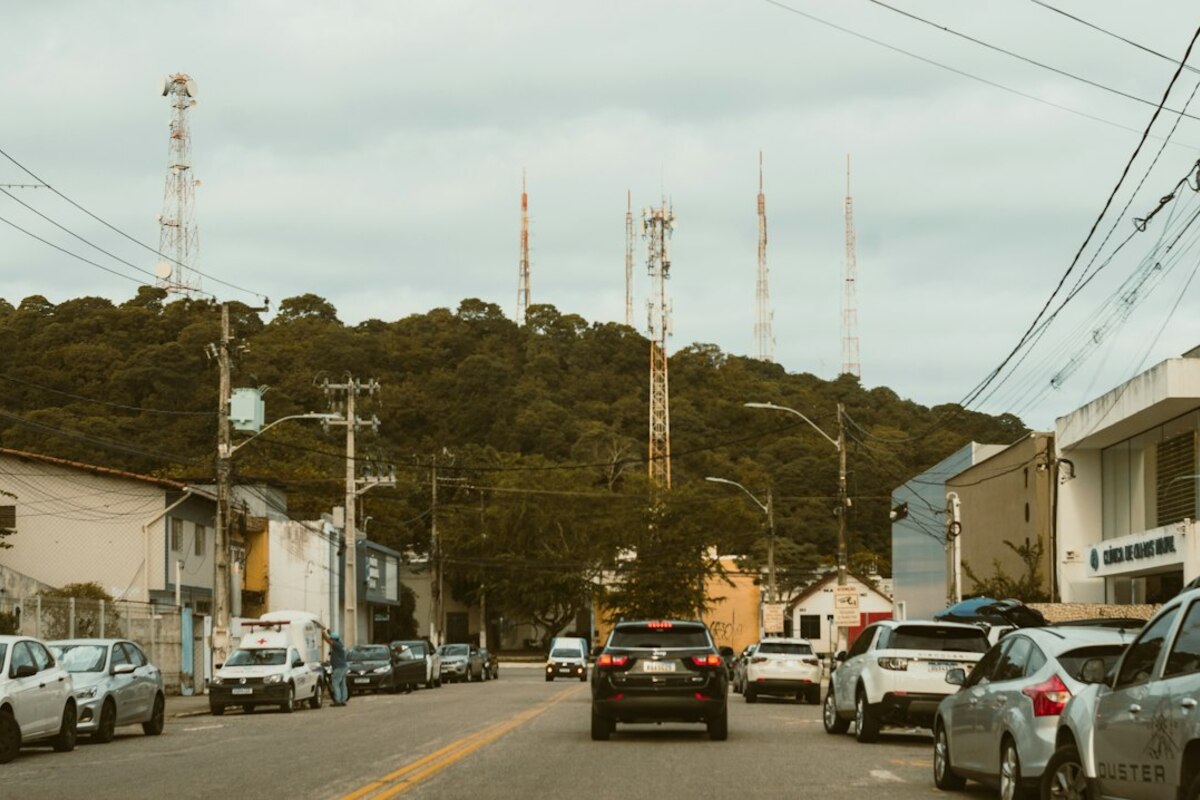
- “5G” on your screen can mean very different types of networks—some are only a little faster than 4G.
- Mid‑band 5G is often the best mix of speed and coverage; ultra‑fast 5G has shorter range and can drop easily.
- Crowded towers, building materials, and your plan settings can matter as much as the 5G icon.
The “5G” icon is a label, not a promise
You’re standing in a café. Your phone proudly shows 5G. You tap play on a short video… and it stutters like it’s 2013. It feels like the phone is lying, but what’s really happening is more like this: the icon is telling you the type of door you’re allowed to use, not how crowded the hallway is behind it.
“5G” is an umbrella term. Carriers use it to describe multiple flavors of network with different behavior. Some 5G signals travel far but don’t add much speed. Others can be incredibly fast but only work well within a small area and with fewer obstacles.
To make it more confusing, carriers also use marketing names—like 5G+, 5G UW, or 5G UC—that don’t always mean the same thing in every country, or even between carriers. Still, most of those extra labels are trying to tell you: “This is the faster kind of 5G.”

The three main “kinds” of 5G (in normal-people terms)
Think of mobile internet like roads. A road can be wide (lots of capacity), straight (strong signal), and close to you (short distance). The best experience happens when all three are true—yet in real life, you trade one for another.
Most 5G experiences fall into three buckets. The names differ, but the idea is consistent:
| What you see | What it usually means | What it feels like | Where it works best |
|---|---|---|---|
| 5G (no extra symbol) | Often low-band 5G (long range) | Similar to good 4G, sometimes a bit better | Suburbs, highways, indoors (better reach) |
| 5G+ / 5G UC / 5G UW (sometimes) | Often mid-band 5G (balanced) | Noticeably faster, more consistent | Most cities and busy areas when available |
| 5G UW / 5G+ (in some places) | Often mmWave (very high frequency) | Extremely fast… until you move or go indoors | Stadiums, downtown blocks, transit hubs |
Low-band 5G is the “covers everything” signal. It travels far and penetrates buildings better. The trade-off: it doesn’t always deliver a dramatic speed jump because it’s built for coverage first.
Mid-band 5G is the “sweet spot” for many people. It offers a real speed boost while still reaching a decent distance and working in more places. If your carrier uses a special icon for it (like “UC” or “+”), that’s usually a good sign.
mmWave 5G is the “sports car” version. When it works, it can be shockingly fast. But it has a short range and struggles with obstacles—walls, glass, trees, sometimes even your own hand positioning. Step inside a building or turn a corner, and it may vanish.
This explains a very common situation: you see a 5G badge, but it’s the coverage-focused type of 5G, or it’s a faster type that’s being blocked or overworked right now.
Why 5G can be slow even when you’re “on 5G”
Even with the best type of signal, your real speed depends on what else is happening around you. Here are the biggest everyday reasons your 5G experience can feel unpredictable.
- Network congestion (the hidden crowd): If a lot of people are using the same tower—think lunch hour, a concert, a commuter train—everyone shares capacity. Your phone can show 5G while the network behaves like a packed elevator.
- You’re on the edge of coverage: Phones constantly choose between signals. If you’re near the boundary between mid-band and low-band, or between 5G and LTE, your device may “stick” to a weaker option to avoid bouncing. That can look like 5G with 4G-like speed.
- Indoor materials are speed bumps: Concrete, metal, low‑E glass, and even some insulation can weaken higher-frequency signals. That’s why a phone can fly outside and crawl inside the same building.
- Backhaul limitations: A tower can have great radio gear but still be fed by a limited connection (the “pipe” from the tower to the internet). If that pipe is small or overloaded, the tower can’t deliver full speed.
- Your plan settings (and “premium data”): Some carriers prioritize certain plans when the network is busy. If the network is crowded, premium plans may stay fast while basic plans slow down—without the icon changing.
- Phone behavior and heat: When phones get hot (sunlight, gaming, navigation), they may reduce performance. Also, some phones manage antennas differently depending on grip and orientation.
A quick scenario: you’re in a busy mall. Outside the entrance, you see a “faster 5G” icon and downloads are instant. You step into a big store with thick walls and reflective shelving. Your phone still says 5G, but now it’s clinging to a weaker signal and sharing bandwidth with hundreds of shoppers. Same icon; totally different reality.
How to tell what kind of 5G you’re actually getting (and what to do about it)
You don’t need engineering tools to get a clearer picture. A few simple checks can help you understand what’s going on and improve your experience.
1) Pay attention to the symbol, not just “5G.”
If your phone sometimes shows plain 5G and sometimes 5G+/UW/UC, treat them like different gears in a car. The “extra letters” version is often the faster layer (typically mid-band or mmWave). If you rarely see it, your area may be mostly low-band coverage.
2) Run two speed tests in different spots.
Try one test near a window and one deeper indoors. If the window test is dramatically faster, you’re likely dealing with signal penetration (especially with higher-frequency 5G). If both are slow, congestion or backhaul may be the issue.
3) Toggle Airplane Mode for 10 seconds (the quick re-attach trick).
This forces your phone to reconnect. If you were stuck on a weaker band, it may pick a better one after reconnecting. It’s not magic, but it can help in border areas between coverage zones.
4) Check if your phone is set to a power-saving mode.
Some battery saver modes reduce performance or change connectivity behavior. If you’re trying to hotspot for work or upload large files, temporarily disabling battery saver can stabilize things.
5) Don’t ignore LTE when it’s better.
In some locations, strong LTE can outperform weak 5G (especially low-band). If your phone allows it, switching the preferred network type (temporarily) can make video calls more reliable in certain buildings.
Not always. Depending on the carrier, those labels can mean mid-band 5G, mmWave, or a mix. The common theme is “enhanced 5G,” but the exact technology behind the badge varies.
Not always. Depending on the carrier, those labels can mean mid-band 5G, mmWave, or a mix. The common theme is “enhanced 5G,” but the exact technology behind the badge varies.
The icon mainly reflects the radio connection, not the full path to the internet. If the cell is congested, the tower’s backhaul is saturated, or your signal quality is poor, you can have “5G” with high latency, packet loss, or tiny usable bandwidth—apps interpret that as “not loading.”
The icon mainly reflects the radio connection, not the full path to the internet. If the cell is congested, the tower’s backhaul is saturated, or your signal quality is poor, you can have “5G” with high latency, packet loss, or tiny usable bandwidth—apps interpret that as “not loading.”
It can, for some households—especially where fiber or cable options are limited. But performance depends heavily on local tower load and signal type. A home 5G router placed near a window can be far more consistent than a phone moving around a house.
It can, for some households—especially where fiber or cable options are limited. But performance depends heavily on local tower load and signal type. A home 5G router placed near a window can be far more consistent than a phone moving around a house.
If you take nothing else from the 5G maze, remember this: the icon is a rough category label, but your day-to-day experience comes from a mix of signal type, distance, indoor obstacles, and how many people are sharing the tower at that moment. That’s why the same street can feel blazing fast at 8 a.m. and sluggish at 6 p.m.—even when your phone insists it’s still “on 5G.”